

먼저 https://ubuntu.com/download/desktop 에서 설치 이미지 다운로드 합니다.
First, download the installation image from https://ubuntu.com/download/desktop
Download Ubuntu Desktop | Ubuntu
Ubuntu is an open source software operating system that runs from the desktop, to the cloud, to all your internet connected things.
ubuntu.com
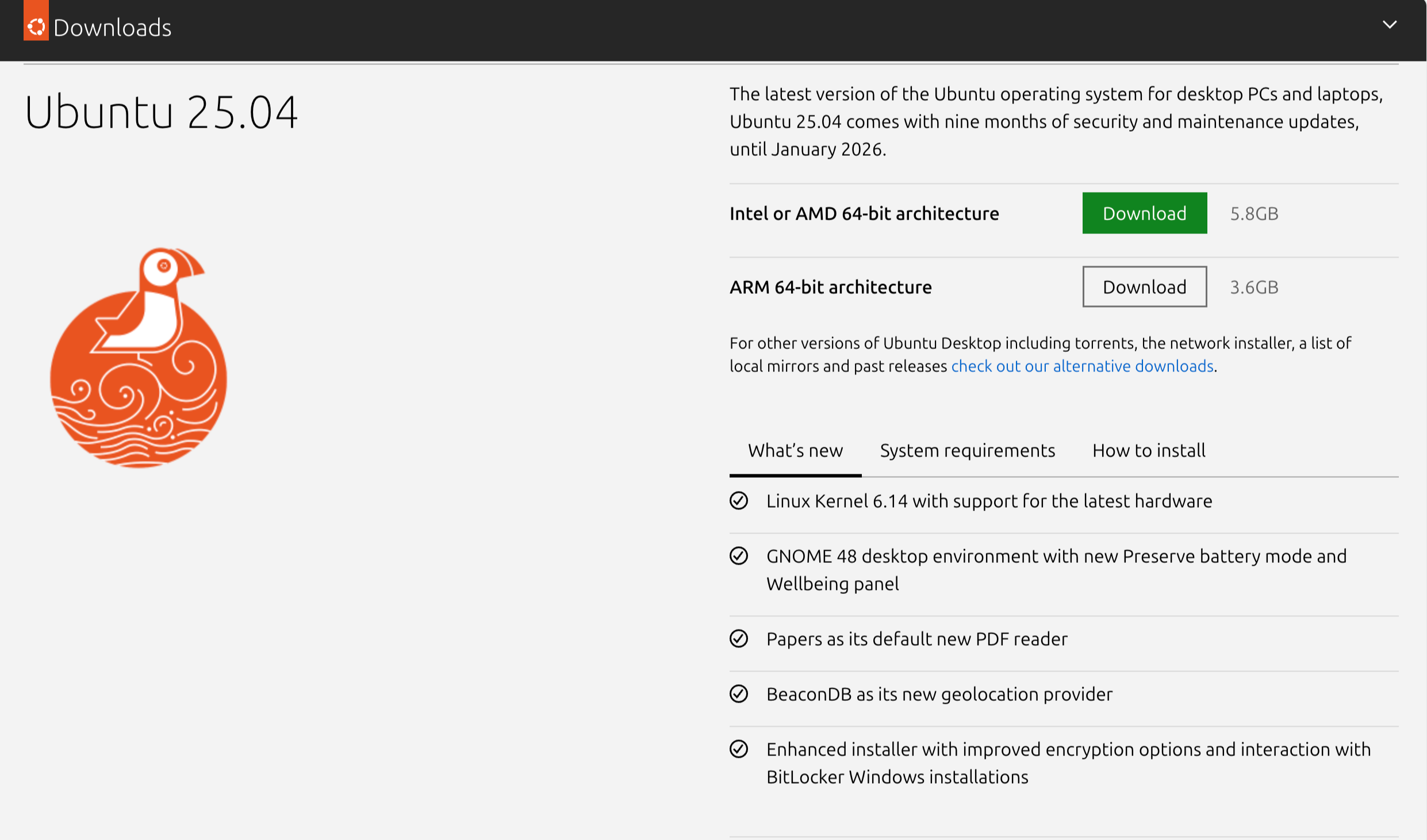
자신의 컴퓨터 환경에 맞게 선택해서 다운로드 합니다.
(필자는 M2 맥북을 사용함으로 ARM 64-bit architecture를 다운로드 했습니다.)
Select the version that matches your computer environment and download it.
(Since I am using an M2 MacBook, I downloaded the ARM 64-bit architecture version.)
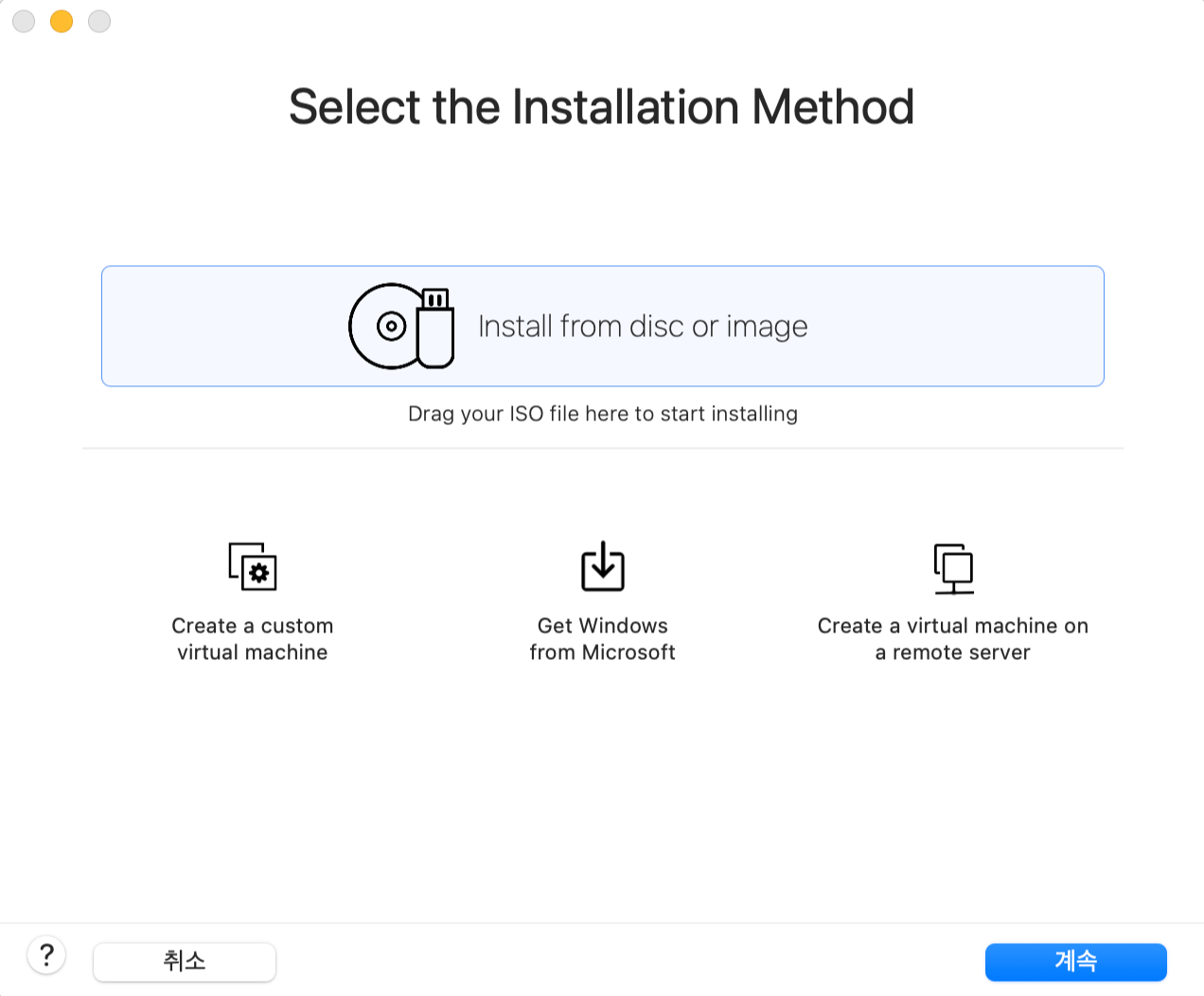

다운로드한 우분투 설치 이미지(.iso)를 VMware Fusion에 불러와줍니다.
Import the downloaded Ubuntu installation image (.iso) into VMware Fusion.
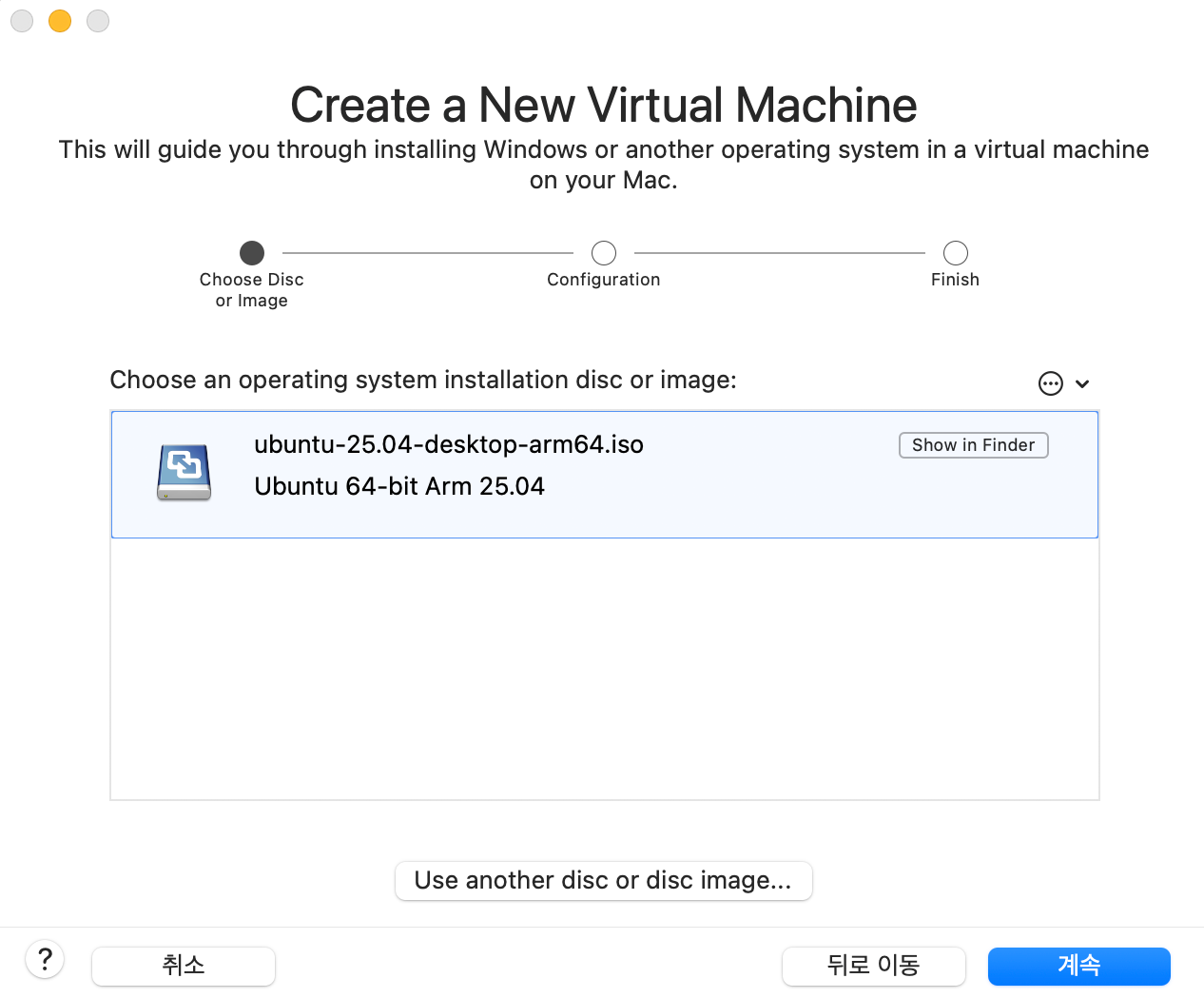
'계속'을 눌러 원하는 옵션에 맞게 설치를 진행해줍니다.
Click “Continue” and proceed with the installation according to your preferred options.
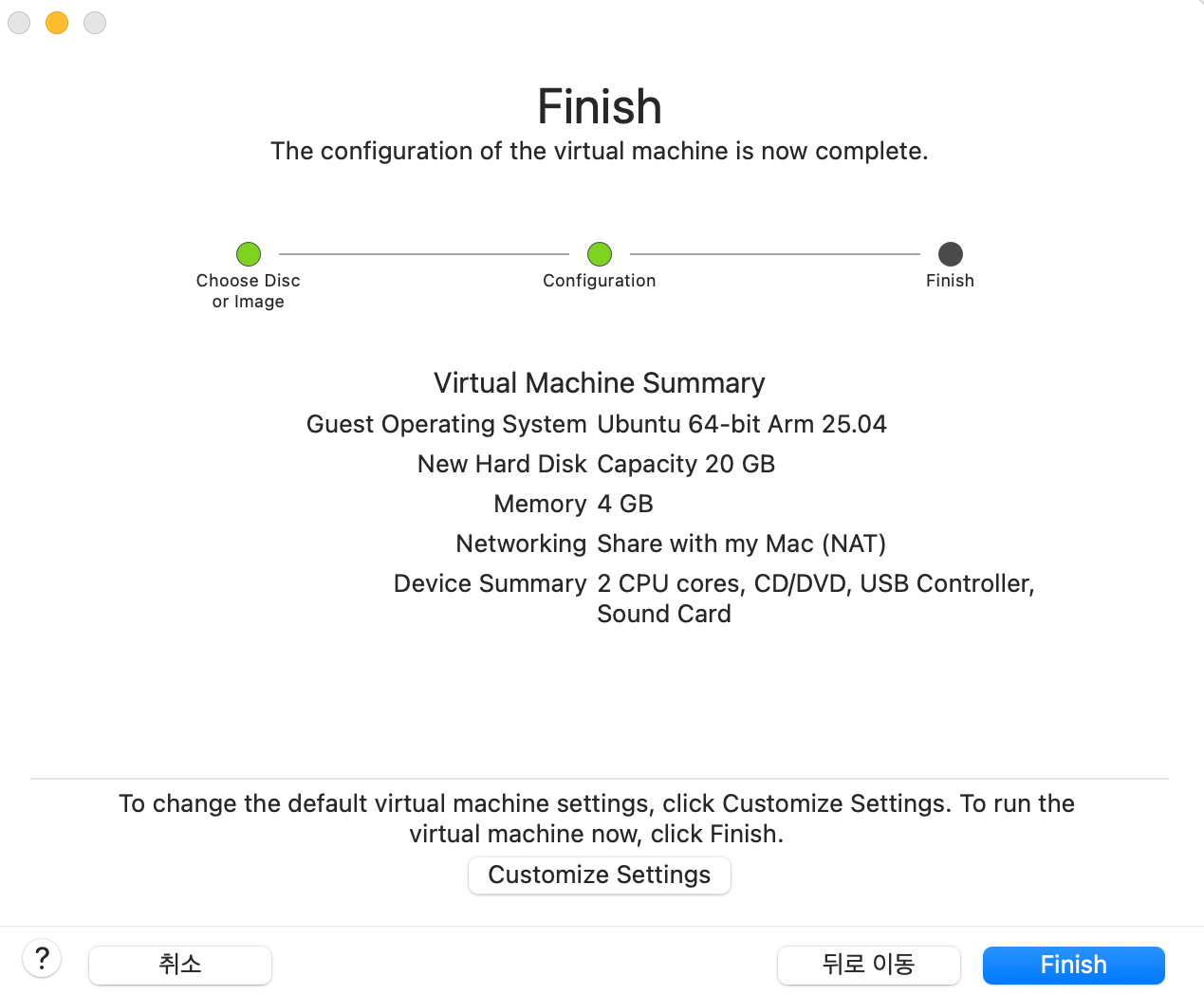

'Finish'를 눌러 완료하게 되면, 오른쪽과 같은 창이 열리게 됩니다.
'*Try or Install Ubuntu Server'를 선택한 후 엔터를 눌러줍니다.
After clicking “Finish”, a window like the one on the right will appear.
Select “Try or Install Ubuntu Server” and press 'Enter'key.
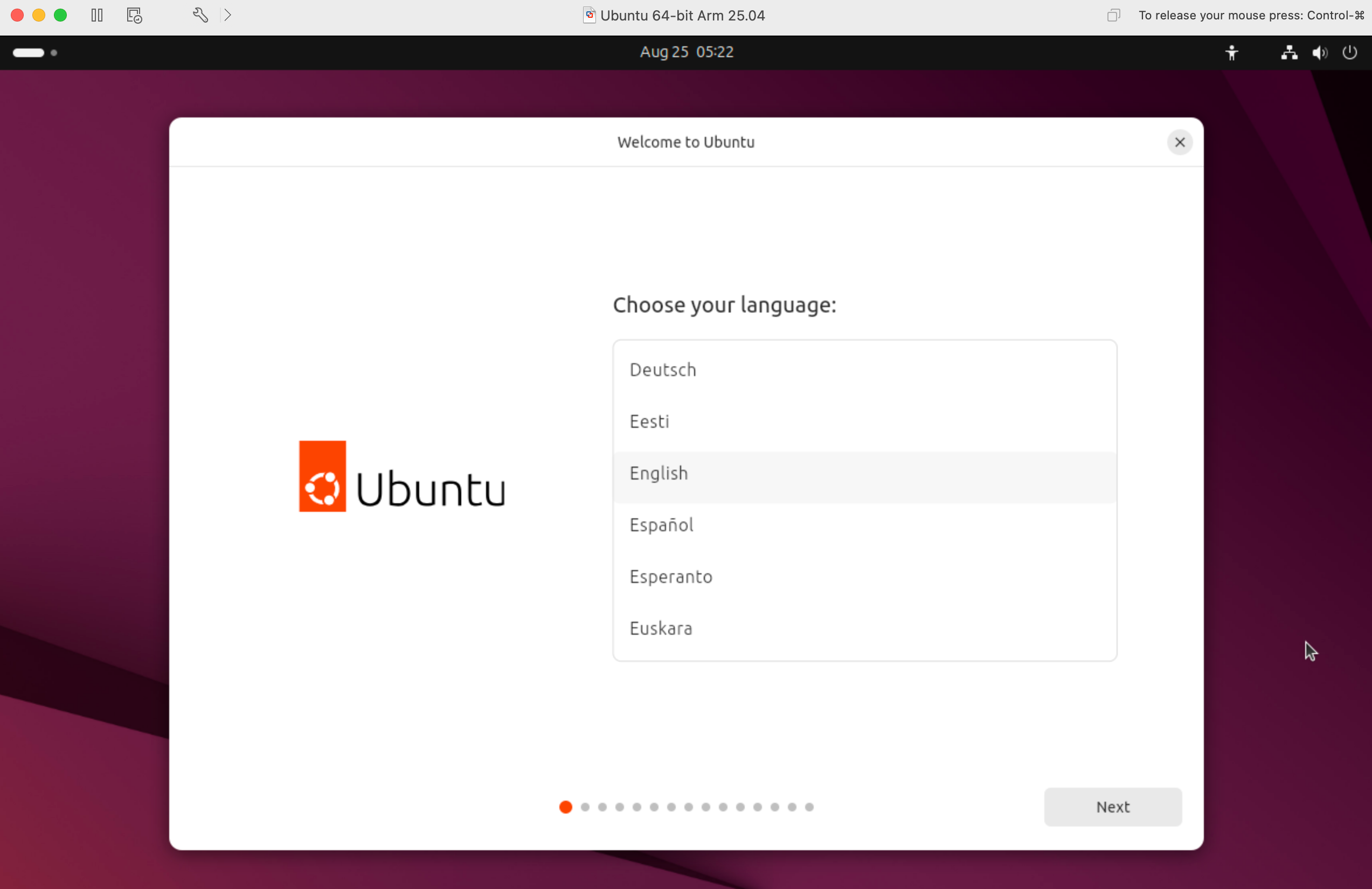
자신이 원하는 옵션을 계속하여 선택한 후, Install or Try Ubuntu 선택지가 나오게 되면 Install Ubuntu를 선택하여 설치를 완료합니다.
Continue selecting the options you prefer. When the Install or Try Ubuntu screen appears, choose Install Ubuntu to complete the installation.